The buying guide
Best cheap laptops under $600
Compare ten Windows laptops and Chromebooks from Walmart by memory, storage, screen size and the apps you need.
Research prices were observed November 12, 2026, before tax and delivery. Where available, the table uses a newer, dated feed observation. These are not current quotes. Options follow the research roster and are not ranked.
| Laptop and retailer | Exact configuration | Research price |
|---|---|---|
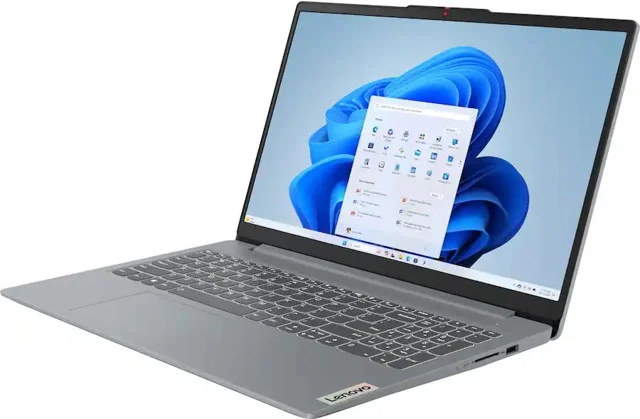 Lenovo IdeaPad Slim 3i 15.6 N150 Walmart Item 20028059239 |
For a small local-file library. Compare 128 GB UFS with the SSD alternatives. | Research price $331.29 Feed observation · Nov 12, 2026 Affiliate product link |
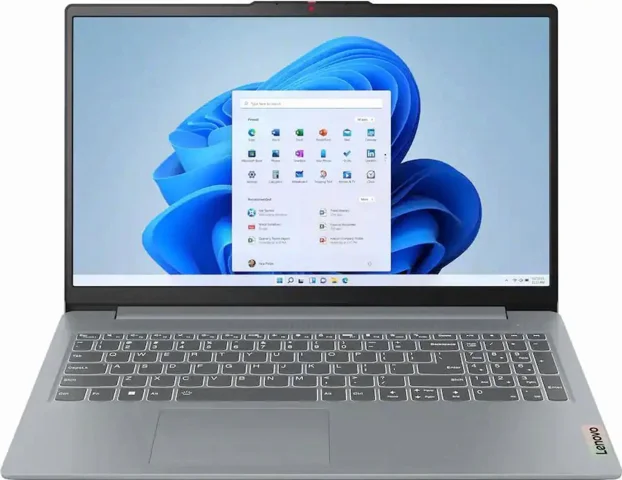 Lenovo IdeaPad Slim 3i 15.6 Core i5 Walmart Item 20563453802 |
More memory with less storage than the 512 GB configurations. Confirm whether your apps require switching out of S mode. | Research price $528.24 Feed observation · Nov 12, 2026 Affiliate product link |
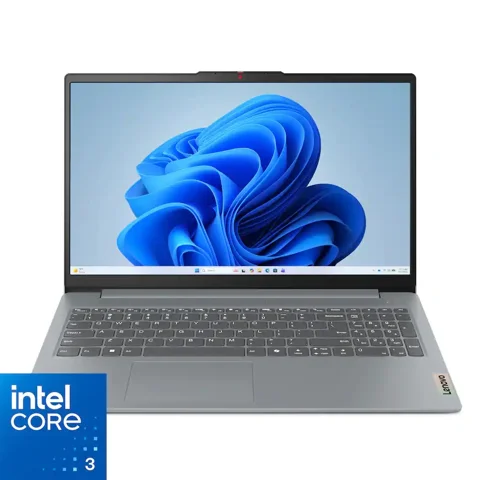 Lenovo IdeaPad Slim 3i 15.6 N355 Walmart Item 5329367210 |
An 8 GB Windows option with limited local storage. Confirm the exact Windows edition. | Research price $354.00 Feed observation · Nov 12, 2026 Affiliate product link |
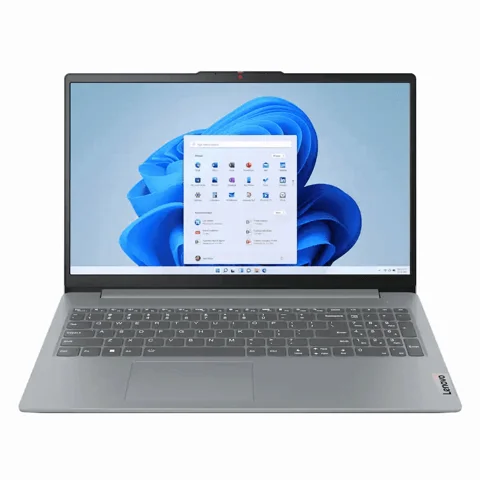 Lenovo IdeaPad Slim 3i 15.6 Core i3 Walmart Item 19067567267 |
Confirm S mode suits your apps and that 128 GB covers your files. | Research price $399.00 Feed observation · Nov 12, 2026 Affiliate product link |
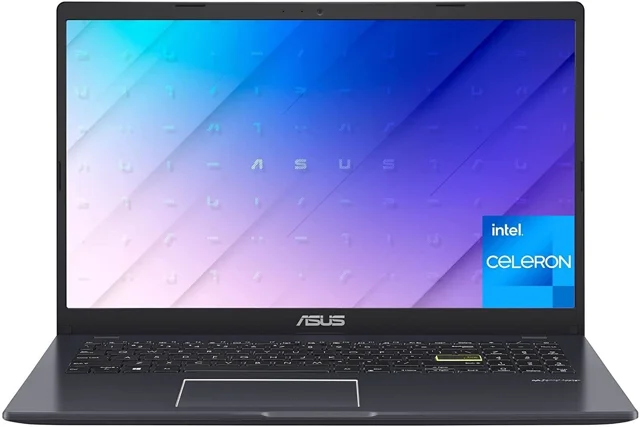 ASUS Vivobook Go 15 L510 Walmart Item 1657082325 |
Lower-memory Windows option. Compare the 8 GB models and check required apps and storage before buying. | Research price $247.00 Feed observation · Nov 12, 2026 Affiliate product link |
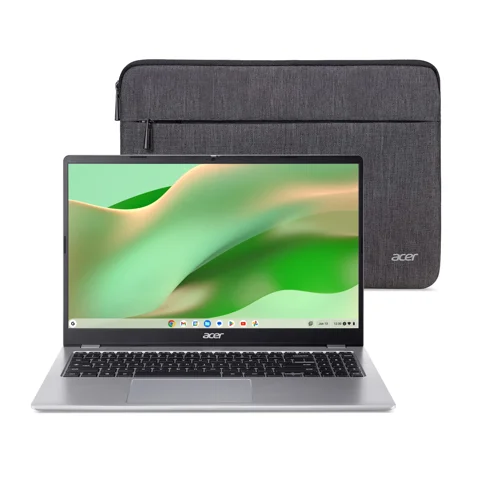 Acer Chromebook 315 Touch Walmart Item 20349310960 |
Match the exact manufacturer model to Google’s update schedule. | Research price $273.00 Feed observation · Nov 12, 2026 Affiliate product link |
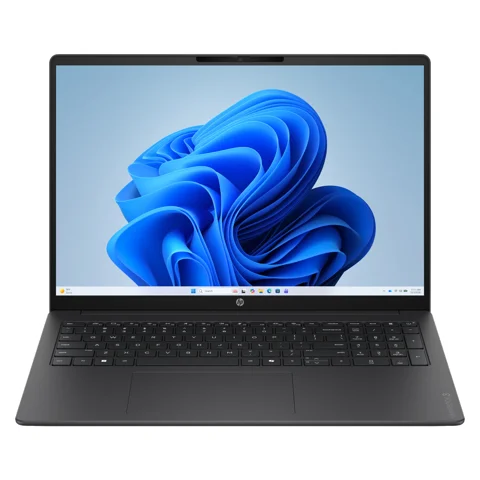 HP OmniBook 3 16 Intel Walmart Item 18101823359 |
Intel configuration; distinct from the Snapdragon model below. | Research price $419.00 Feed observation · Nov 12, 2026 Affiliate product link |
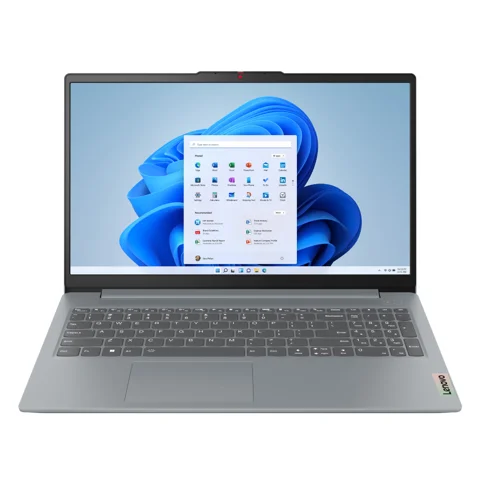 Lenovo IdeaPad Slim 3 15 Ryzen Walmart Item 18238561637 |
Marketplace listing had mixed stock signals. Confirm seller and exact processor. | Research price $438.98 Feed observation · Nov 12, 2026 Affiliate product link |
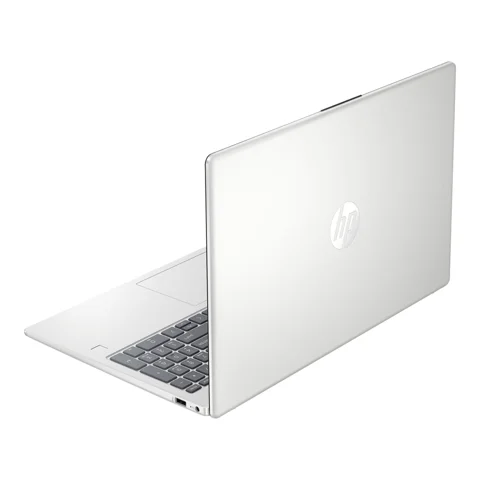 HP 15-fd0152wm Walmart Item 13687612951 |
Feed title lists 512 GB SSD, while the URL wording differs. Confirm the exact configuration before buying. | Research price $499.00 Feed observation · Nov 12, 2026 Affiliate product link |
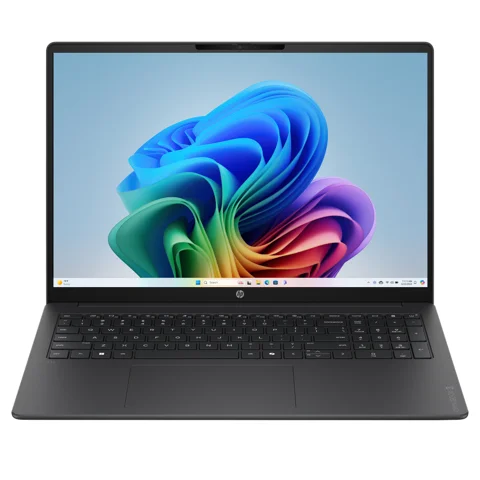 HP OmniBook 3 16 Snapdragon Walmart Item 18515423351 |
Check Windows on Arm app and peripheral support; confirm new condition. | Research price $539.00 Feed observation · Nov 12, 2026 Affiliate product link |
Retailer listings may differ by seller, condition and location. Check current price, app compatibility and the exact configuration before buying. Blippr has not tested these laptops.
In this guide
Which cheap laptop should you buy?
Start with the apps you need. For browser-based schoolwork, email and documents, consider a Chromebook after confirming your school tools and its update end date. If you need a Windows desktop app or a specific printer utility, start with a new Windows laptop. If you work with several apps or keep lots of files offline, compare the 16 GB and 512 GB options before spending the full budget. Compare the delivered cost with any charger, adapter or software you’ll need. A small discount can disappear if you have to replace a weak battery.
Check your apps before comparing hardware
Write down three things you need to do on the laptop, then look up the requirements for each. A school login working in a browser doesn’t establish that an exam tool or class application does. Ask the school for the exact supported operating system and browser. If you use a printer or scanner with special software, look up its model on the manufacturer’s support page.
For a Windows listing, check the edition and whether it ships in S mode. Microsoft says S mode limits apps to the Microsoft Store, and switching out is one-way. If you need software outside the store, confirm you can use it on the device you’re allowed to buy. For a Chromebook, look up the complete model number in Google’s update list, especially if the listing is old or refurbished.
Spend on the specs you’ll notice
Memory, or RAM, holds the things you’re actively working on. Storage holds apps and files. As a shopping starting point for basic Windows use, look for 8 GB of RAM and a 256 GB SSD. This is editorial guidance. Your required apps may need more. If you keep many tabs and several apps open at once, compare the extra cost of 16 GB with the price of the machine you were already considering.
Check the screen resolution, keyboard layout, webcam and ports for the exact configuration. If you read spreadsheets side by side, screen size and resolution may matter more than a processor label. If you already own an external monitor, find out whether the laptop has a compatible video output and whether you’ll need a separate cable or adapter. If you’re considering the Snapdragon model, check the software maker’s Windows on Arm support and confirm your peripherals have compatible drivers.
What each laptop trades off
- Lenovo IdeaPad Slim 3i 15.6 N150 (Walmart item 20028059239) — For a small local-file library. Compare 128 GB UFS with the SSD alternatives.
- Lenovo IdeaPad Slim 3i 15.6 Core i5 (Walmart item 20563453802) — More memory with less storage than the 512 GB configurations. Confirm whether your apps require switching out of S mode.
- Lenovo IdeaPad Slim 3i 15.6 N355 (Walmart item 5329367210) — An 8 GB Windows option with limited local storage. Confirm the exact Windows edition.
- Lenovo IdeaPad Slim 3i 15.6 Core i3 (Walmart item 19067567267) — Confirm S mode suits your apps and that 128 GB covers your files.
- ASUS Vivobook Go 15 L510 (Walmart item 1657082325) — Lower-memory Windows option. Compare the 8 GB models and check required apps and storage before buying.
- Acer Chromebook 315 Touch (Walmart item 20349310960) — Match the exact manufacturer model to Google’s update schedule.
- HP OmniBook 3 16 Intel (Walmart item 18101823359) — Intel configuration; distinct from the Snapdragon model below.
- Lenovo IdeaPad Slim 3 15 Ryzen (Walmart item 18238561637) — Marketplace listing had mixed stock signals. Confirm seller and exact processor.
- HP 15-fd0152wm (Walmart item 13687612951) — Memory remains 8 GB despite the larger SSD.
- HP OmniBook 3 16 Snapdragon (Walmart item 18515423351) — Check Windows on Arm app and peripheral support; confirm new condition.
Compare the bill you’ll actually pay
Write down the delivered price and add anything you need on day one. That could include a charger, a video adapter, or a paid app your school or employer doesn’t supply. If a listing includes a software trial, note when it ends and decide whether you’ll pay to keep it. Compare machines with the same required accessories before judging a sale label.
If you need specialized engineering software, demanding games or video editing, start with that software’s requirements. If the laptop you already own runs your apps, price a targeted fix such as replacing a failing battery before buying another machine.
Purchase checklist
- List required apps, peripherals and operating systems.
- Match the exact model, memory, storage, screen and charger to the listing.
- Compare delivered totals and record the seller, condition, warranty and return deadline.
- For ChromeOS, check the exact model’s update date. For Windows on Arm, check the apps and peripherals you rely on.
Sources and scope
Configuration and research-price observations come from the exact retailer listings researched November 12, 2026. Product families can contain multiple configurations. Confirm the exact item number, seller, condition and current terms.
Sources
Source documents accessed Nov 12, 2026. This is a research date, not an offer check.
A few good questions
Is 4 GB of RAM enough for a cheap Windows laptop?
Microsoft lists 4 GB as a Windows 11 minimum. Use your apps’ requirements to decide what to buy. For ordinary Windows browsing and documents, start your comparison at 8 GB if the budget allows, especially if you expect to keep several tabs or apps open.
Should I buy a Chromebook for school?
Ask the school which apps, exam tools and peripherals it supports. If your work is browser-based and the required tools support ChromeOS, a Chromebook can be a sensible option. Check the exact model’s update end date before buying, and verify how you’ll work when Wi-Fi is unavailable.
Can two laptops with the same name have different specs?
Use the manufacturer part number or the exact retailer item and variant to compare. Check the processor, RAM, storage, display and operating system on the same listing. A family name such as IdeaPad Slim 3 is too broad to transfer specs or a price from one listing to another.
When is 16 GB of memory worth paying for?
Compare it when your required apps call for more memory or you often run several apps at once. If your work stays in a browser and documents, check whether the less expensive options meet your needs. Spend on storage separately if you keep large files offline.
Blippr may earn a commission when you buy through links on this page. Commission does not decide which options appear or in what order.